01
The same links on every device
Your links are saved to your account. Use the same setup on your computer and phone.
START FREE · NO ADS
Bring the websites you use for work and daily life into one personal home screen. Open the same links quickly from your computer or phone.
Core features are free. Early Access participation is optional.
A SIMPLE WEB LAUNCHER
LinkBento is not another information portal. It is a simple home screen that gets you to the web services you already use.
WHAT MAKES IT USEFUL
Your links are saved to your account. Use the same setup on your computer and phone.
Manage links in a list, then open them from an intuitive icon launcher. Switch views whenever you like.
Categories, cross-category search, drag and drop, and easy moves keep growing collections manageable.
Fetch titles and favicons from URLs, save the current page, and Import or Export your data.
FIND YOUR LINKBENTO
For work, study, or everyday browsing. Choose a profile to see how familiar websites can become a personal home screen.
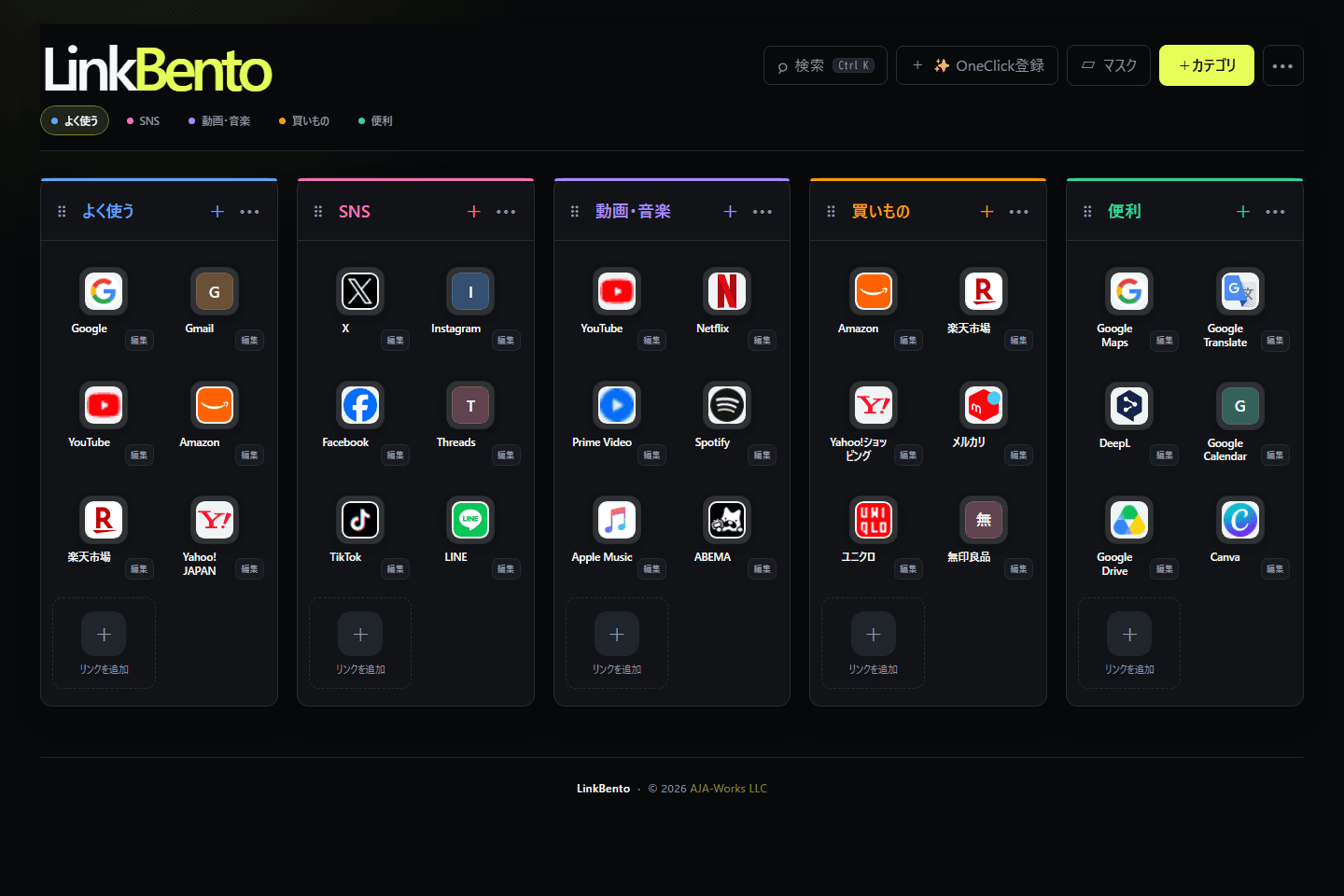
Services shown are examples of links a user may save. Their inclusion does not imply a partnership, endorsement, or official integration.
EARLY ACCESS PROGRAM
We are improving LinkBento by learning which workflows become useful in daily life. Participants can try implemented features being considered for LinkBento Plus at no charge during Early Access.
Choose Early Access or regular Free when signing up. You can join or leave later in Settings.
We review trends such as counts, frequency, view mode, language, registration country, and feature usage. We do not use saved URL contents, category names, note text, or Bridge contents for advertising or profiling.
Some conditions may change when formal plans launch. We do not plan to suddenly delete existing data, and aim to keep viewing, deletion, and Export available.
FREE TO START
Core features are free and there are no ads. During Early Access, participants can also try Plus candidate features for free.
FAQ
LinkBento is your personal web launcher for arranging frequently used websites by category, searching them, and opening them quickly.
You can use the same link collection across browsers and devices. LinkBento adds categories, search, drag-and-drop ordering, and switchable list and launcher views.
LinkBento works in web browsers on computers, phones, and tablets. Sign in with the same account to access your categories and links across devices.
No. You can use LinkBento directly in your web browser. It is designed primarily for computers and also works on phones.
Core features are free. We may introduce a paid plan such as Plus later, but its final features and pricing are still being considered.
It is a period for improving LinkBento through real usage before the final Free and Plus structure is decided. Participants can use selected implemented features being considered for Plus at no charge.
No. You can continue as a regular Free member. You can join or leave Early Access later from Settings.
Participants can currently use Bridge, Organize, and expanded category and link limits. Future availability will be decided based on actual usage and feedback.
We review trends such as category and link counts, usage frequency, view mode, language, registration country, and feature usage. We do not analyze saved URL contents, category names, note text, or Bridge contents for advertising or individual profiling.
We do not plan to suddenly delete saved data because Early Access ends. If plans or limits change, we aim to keep existing data available for viewing, deletion, and Export.
No. It is stored for the signed-in user. LinkBento currently has no feature for publishing your collection to other users.
Yes. You can save your registered data with Export and bring it back with Import.
Links and categories can be moved to Trash, restored, or permanently deleted. You can also request account deletion and cancel that request within 30 days.
Use “Forgot your password?” on the login page to request a reset email. If you signed up with Google, sign in with your Google account.
Please use the contact form on the AJA Works website.
BY AJA WORKS
LinkBento is developed and operated by AJA Works LLC.
AJA Works